- Can do
- Turn a text prompt into a complete video with script, visuals, and voiceover.
- Can do
- Create content for multiple formats: YouTube Shorts, TikTok, Instagram Reels, and long-form videos.
- Can do
- Provide a library of stock assets and AI-generated voiceovers in various languages and tones.
Definition Guide
What is Syllaby AI used for?
Syllaby AI is a content creation tool that transforms a single piece of text into a complete video production pipeline — scripts, visuals, voiceovers, and even a posting schedule — all from one workspace.
One-line definition of Syllaby AI
Syllaby AI is a video-first content tool that automates the journey from idea to published video: you give it a topic or a script, and it drafts the video script, generates matching visuals, records a voiceover, and prepares the final cut for platforms like YouTube, TikTok, and Instagram.
At its core, Syllaby AI is designed for creators and marketers who want to produce consistent video content without learning complex editing software or hiring a production team. The platform acts as a production assistant that handles the repetitive parts of video creation, so you can focus on the message rather than the mechanics.
How Syllaby AI works: from idea to published video
-
Input your topic or script
Start by entering a video topic, a blog post, or a few bullet points. Syllaby AI's engine analyzes the text and identifies the core message and structure.
-
AI drafts the script and visual plan
The platform generates a full video script, breaks it into scenes, and recommends stock footage, images, and on-screen text for each segment. You can edit any part before moving forward.
-
Automated voiceover and assembly
Syllaby AI selects a voice from its library, records the narration, and assembles the final video based on your chosen aspect ratio and platform format. The output is ready to review and export.
What Syllaby AI can and cannot do
- Cannot do
- Generate bespoke, high-end animation or complex motion graphics beyond its template-based system.
- Cannot do
- Replace a professional video editor for projects that require fine-grained frame-by-frame control.
- Cannot do
- Guarantee viral results — while it speeds up production, the strategy and content quality remain in your hands.
Who uses Syllaby AI
The tool serves a practical need across several creator and business profiles. Understanding who it fits helps you decide if it's the right production assistant for your workflow.
- ✓
Faceless YouTube creators: individuals who build channels without showing their face rely on Syllaby AI to generate scripts, visuals, and voiceovers that feel complete and professional.
- ✓
Social media marketers: teams managing multiple accounts use the platform to produce a high volume of platform-specific videos without a dedicated editor.
- ✓
Small business owners: entrepreneurs use it to create video content for product promotion and brand awareness when they lack in-house video production skills.
- ✓
Course creators and educators: they turn lesson notes and blog posts into video summaries and promotional content, expanding their reach beyond written material.
Limitations: honest caveats about Syllaby AI
Script quality needs review
The AI-generated script can sometimes feel generic or miss the nuance of your specific brand voice. It is a starting point, not a finished draft.
Workaround: edit and rewrite the script sections before generating the video to ensure your unique tone comes through.
Visual library has limits
The stock footage and image library may not cover hyper-specific or niche topics, forcing you to reuse similar clips across multiple videos.
Workaround: upload your own images and video clips to supplement the AI's recommended visuals.
Voiceover flexibility is restricted
While the voiceover library offers various languages and styles, you cannot achieve the full range of emotional delivery or pacing of a professional voice actor.
Workaround: for critical videos, record your own voiceover and swap it in the editor.
Before and after: the production workflow
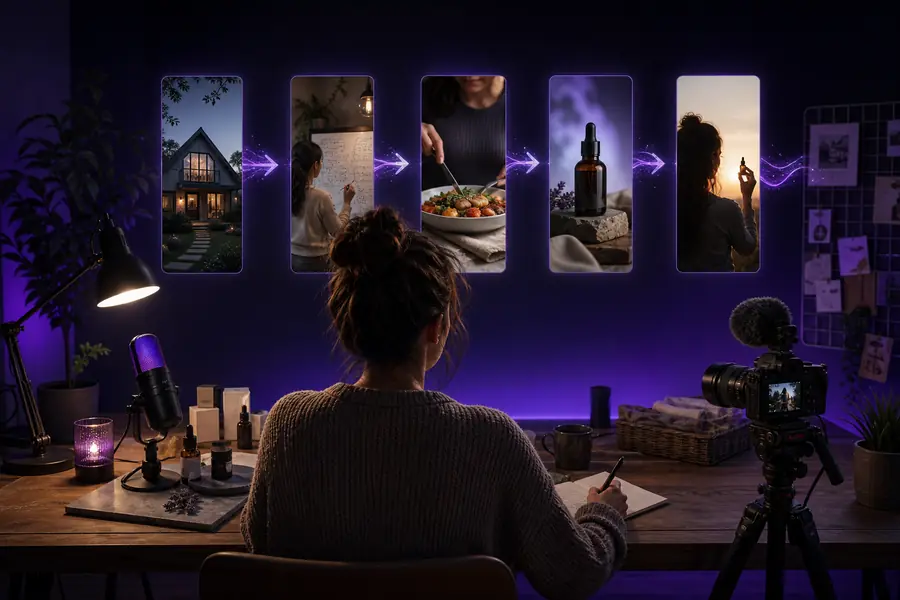
The difference is a repeatable process. Syllaby AI provides the structure that turns a blank page into a published video.
Impact in numbers
50%
reduction in average video production time
24/7
availability of the AI assistant for script and visual generation
10x
more video content a solo creator can produce monthly
8+
languages supported for voiceovers and text generation
Frequently asked questions
Is Syllaby AI free to use?
Syllaby AI operates on a freemium model. You can start with a free plan that allows you to create a limited number of videos per month. For unlimited videos, access to premium stock assets, and more voiceover options, you would need to upgrade to a paid subscription.
Do I need video editing experience to use Syllaby AI?
No. The primary value of Syllaby AI is that it simplifies the process. The platform generates the script, selects visuals, and assembles the video automatically. You can make adjustments using its simple timeline and text-based editor, but you do not need professional editing skills to produce a complete video.
Can I use my own footage and images in Syllaby AI?
Yes. While Syllaby AI includes a library of stock assets, you can upload your own media to personalize your videos. This is a key feature for creators who want to include specific branding, products, or footage that a generic stock library cannot provide.
What video formats and platforms does Syllaby AI support?
Syllaby AI is designed for the most common social video formats. You can generate videos in vertical 9:16 for platforms like TikTok, Instagram Reels, and YouTube Shorts, and in horizontal 16:9 for long-form content on YouTube. The platform's video script generator also helps you structure content for different audience retention patterns.