Script generation, minus the blank page
Start with a topic, audience, or angle and shape a useful draft with a hook, structure, and voice direction.
Idea to script →AI video workflow
Syllaby AI helps creators and marketers turn a rough idea into a script, a faceless video, and a publishing rhythm without stitching together five different tools.
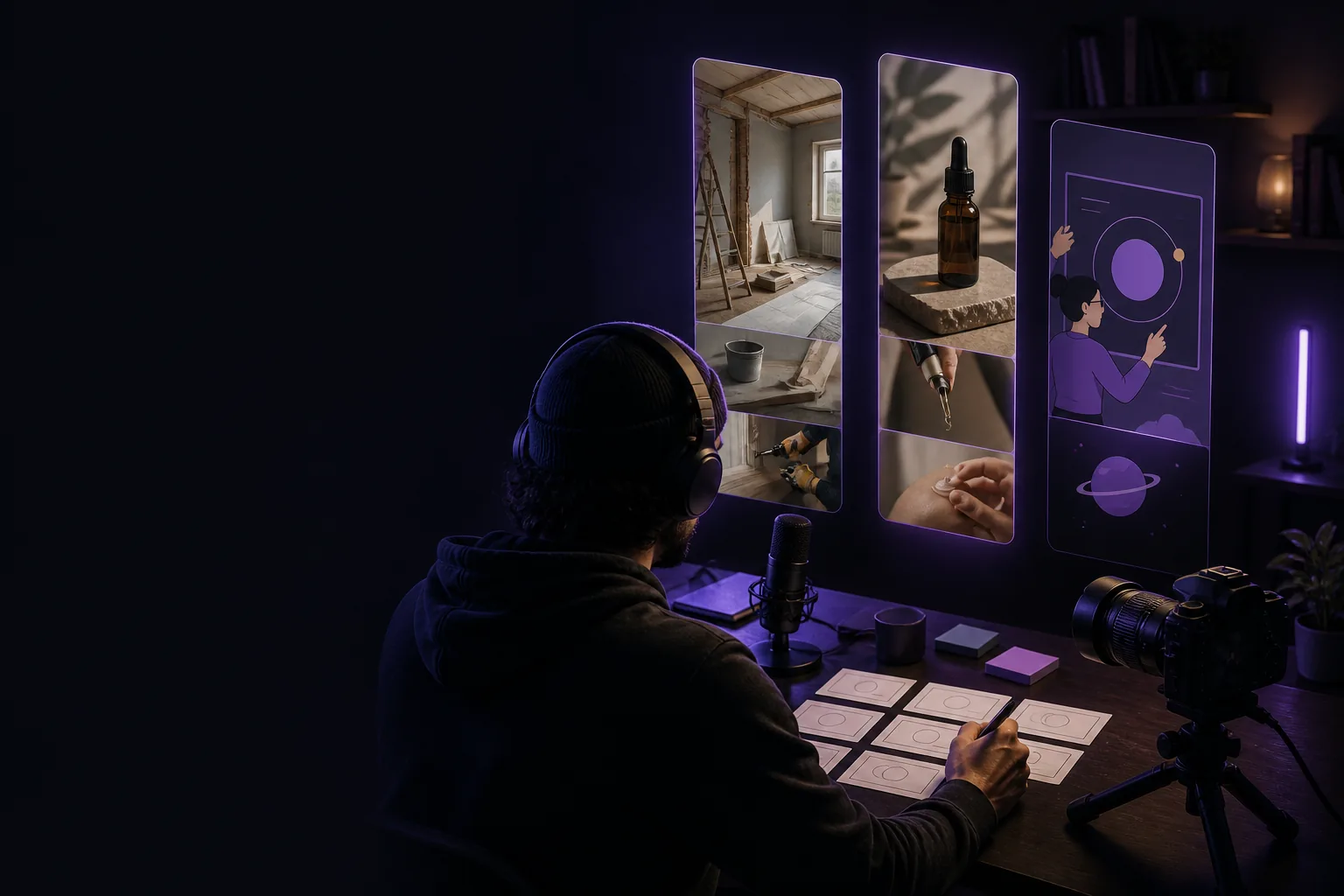
A simpler handoff
The content loop
Keep the creative decisions together, then move each finished asset forward with less friction.
Start with a topic, audience, or angle and shape a useful draft with a hook, structure, and voice direction.
Idea to script →Turn a script into a visual story with stock-style scenes, motion, captions, and a pace that fits the channel.
Script to scenes →Build chapters, transitions, and supporting visuals for guides, lessons, podcasts, and deeper explainers.
Structure the story →Bring a page, article, or product link into the workflow and use its ideas as the starting point for a new format.
Reuse what exists →Set the tone, narration direction, thumbnail angle, and visual cues before the asset moves into production.
Keep it consistent →Organize variations, channels, and publishing dates so the next good idea has somewhere to go.
Build the cadence →Use cases
The same workflow flexes around your audience, your format, and the amount of story you need to tell.
Move from a list of ideas to a dependable publishing rhythm without losing your own point of view.
Spin one message into product ads, explainers, social cutdowns, and alternate openings for the same campaign.
Keep research, scripting, production notes, and publishing decisions visible so fewer details disappear between tools.

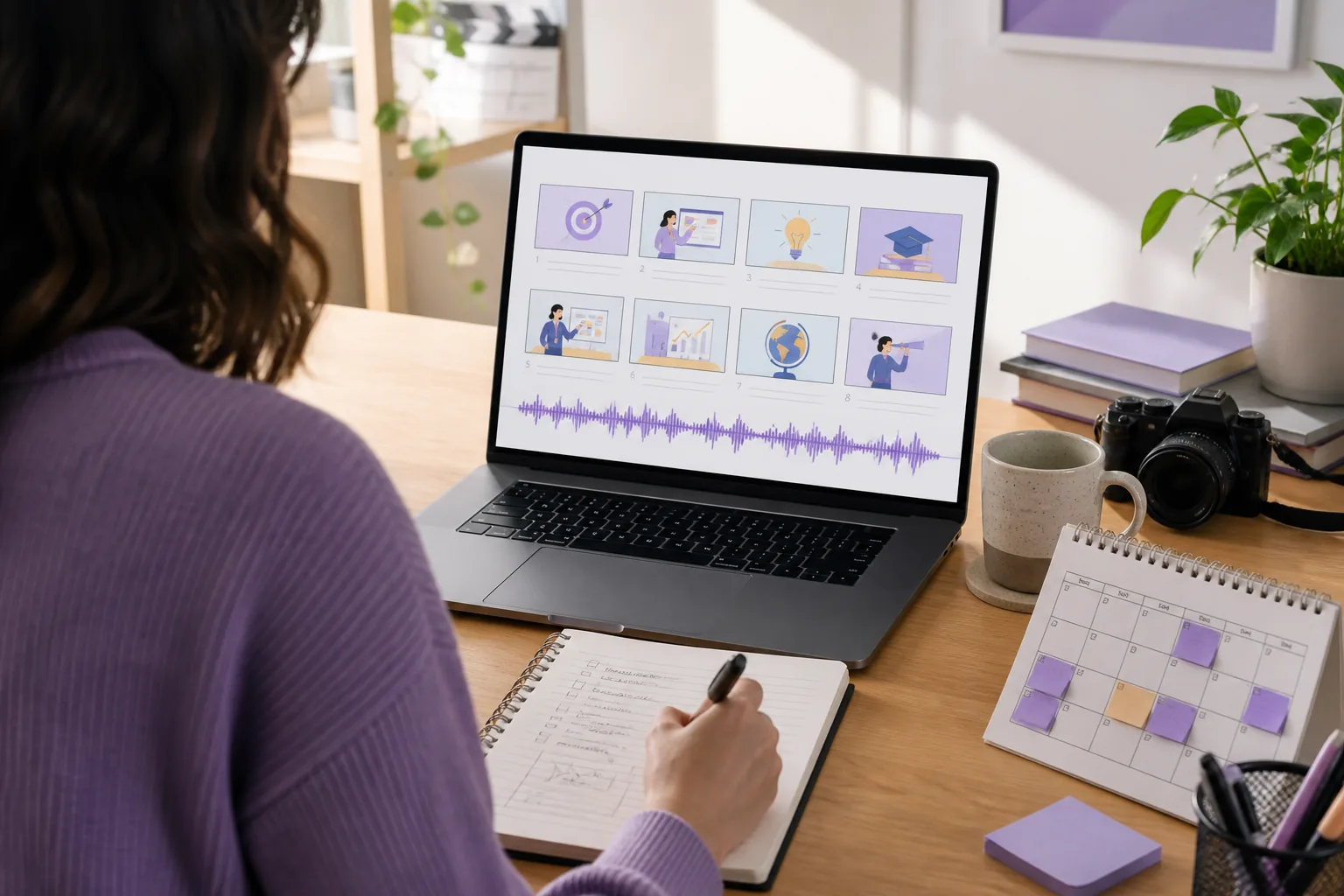
How it works
A focused four-stage workflow gives every piece of content a clear next step.
Stage 01
Start with a topic, question, product, or URL. Clarify the audience and choose the promise before you write.
Stage 02
Shape the hook, narration, chapter order, and closing line. Every sentence remains easy to revise.
Stage 03
Choose the visual direction, narration style, and format. Assemble scenes while the story stays in view.
Stage 04
Organize destinations and dates so each finished asset has a place in the publishing calendar.
Product proof
Dense enough for real production work, clear enough to understand at a glance.
Move from a rough brief to a focused voice, structure, and set of scenes.

Review the visual rhythm, narration, and format without losing the original idea.
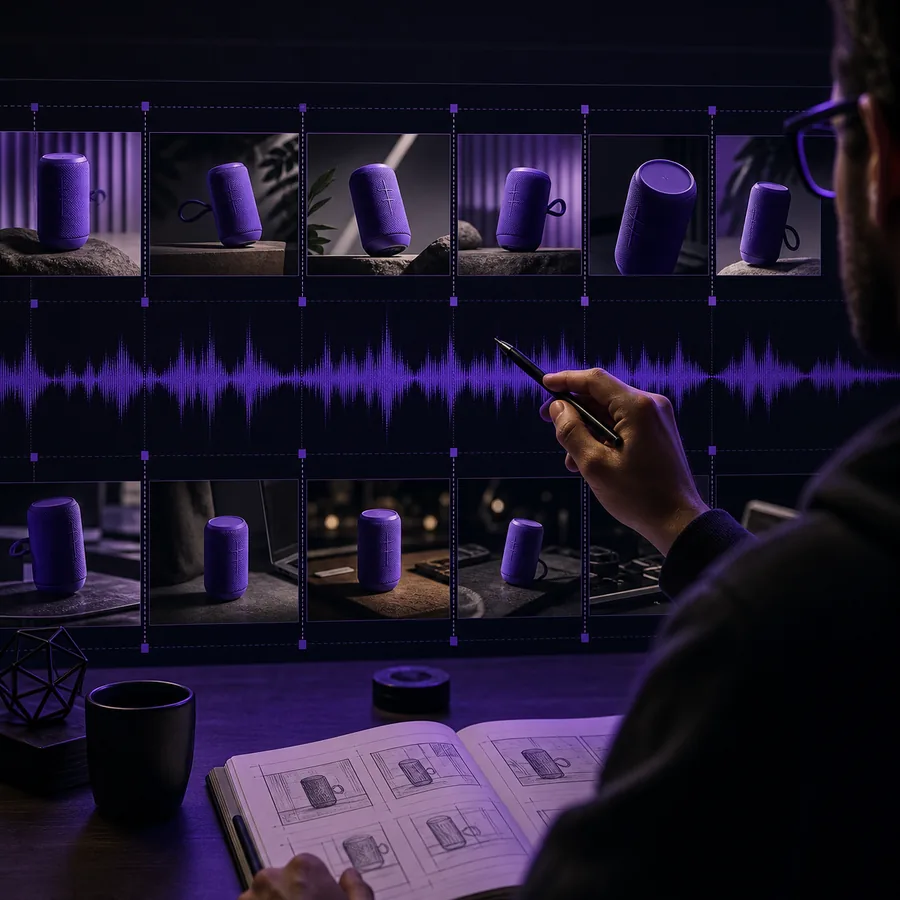
Keep variations, channels, and dates organized around a repeatable content cadence.

Format-aware creation
Choose the shape before production starts, then keep the story intact as it moves from a full explanation to a fast social cut.
A practical workspace
Use one clear home for the decisions that make content easier to repeat.
Capture ideas, define the audience, and turn scattered topics into a useful queue.
Shape scripts, scenes, voices, thumbnails, and formats around the same creative direction.
Organize what is next, what is ready, and where every asset belongs after production.
Workflow snapshot
A repeatable loop changes the work before it changes the volume.
One research session can become a strong long-form story, several useful cutdowns, and a clear publishing plan.
Start with the audience question, not an empty timeline.
Keep the script, visuals, and format connected.
Reuse the strongest idea across the right destinations.
Leave every finished video with a next action.
Good to know
A quick look at how the Syllaby AI workflow fits into everyday content production.
Syllaby AI can help you develop scripts, faceless short-form videos, longer explainers, product stories, social cutdowns, thumbnails, and content plans from the same starting idea.
Yes. Start with a topic or script, choose a vertical format, and shape scenes, narration, captions, and pacing for short social viewing.
It is designed for longer guides, lessons, product explainers, and other stories that benefit from chapters, structure, and a more deliberate pace.
Yes. A URL can provide the source material for a new script direction, summary, product story, or social format that you can continue shaping.
You can define the tone, narration direction, visual mood, scene emphasis, aspect ratio, and thumbnail angle before the content moves forward.
Organize ideas and finished assets around channels and dates, so production decisions connect naturally to the content calendar.
It is useful for creators, educators, marketers, agencies, and small teams that need a repeatable way to move from an idea to publishable video.
Your next idea is enough to begin
Bring the idea, keep the creative direction, and let the workflow carry it forward.
Start with Syllaby AI