Faceless workflow

Syllaby AI Faceless Video Creation, Step by Step

You want the reach of video without ever appearing on camera. Syllaby AI is built for that — it generates the script, sources the b-roll, and voices the narration while your channel stays anonymous. Here's the full run-through, the options you have, and what honestly breaks.

What you need before you start

The prerequisites are lighter than most video tools demand. You don't need a camera, a microphone, or any editing software. What matters is clarity about the subject you want to cover and the audience you're aiming at.

  1. Pick a narrow topic

    Faceless channels live on specificity. A niche like "budget travel in Japan" outperforms "travel" because the algorithm knows who to show it to.

  2. Draft a rough angle

    You don't need a full script, but a working title or a one-sentence idea gives the generator a direction it can expand into a full narrative.

  3. Define your channel voice

    Decide on tone — authoritative, playful, documentary-style — and whether you want a real-sounding voiceover or a synthetic one. That choice shapes the output.

A full run-through of a faceless video from script to export

Here's the honest, complete walkthrough. It takes about twenty minutes from blank prompt to a rendered video ready to upload.

  1. Generate the script

    Type your topic and let Syllaby AI structure it into a hook, body, and call to action. The format follows proven retention patterns, not stream-of-consciousness.

  2. Choose your visuals

    The tool pulls stock footage and images that match the script's keywords. For faceless content, you select the "stock only" option so no human presenter appears.

  3. Pick the voice

    A library of realistic text-to-speech voices reads the script. You adjust pacing, emphasis, and even add pauses where the edit needs a beat.

  4. Set the aspect ratio

    Choose 16:9 for YouTube, 9:16 for Shorts and TikTok, or 1:1 for feeds. The layout reflows your text and visuals to fit the new format.

  5. Preview and tweak

    Watch the draft with the voiceover and b-roll. You can swap any visual, change the background track, or trim the script before you render the final file.

That's the entire path. There's no manual editing, no timeline to assemble, and no point where you need to show your face to the camera.

Your options: how much control you want over the faceless output

OptionWhat it doesBest for
Auto-generate everythingOne pass — script, visuals, voice, music — with no editing.Testing a topic or producing volume.
Script-first, then editsGenerate a script, refine it yourself, then let the tool match visuals and voice.When the message needs precision.
Stock-only visualsRestricts the image pool to stock footage; no discovered faces or scenes with people.Strictly faceless channels.
AI avatar b-rollUses generated characters and environments instead of live-action clips.Explainer and tutorial content.
Custom voice cloneUpload a short sample to create a unique voice for your channel.Building a recognizable brand voice.
Manual overrideSwap any visual or edit the voiceover line-by-line after generation.Final polish before upload.

What actually fails — and what you can do about it

No tool is frictionless, and knowing the edges before you start saves you from hitting them mid-production. Three things consistently trip up first-time faceless creators.

Those are the real limits. None of them require you to show your face, and none of them shut down the workflow — they just adjust how you use it.

The visible difference: a faceless corner before and after

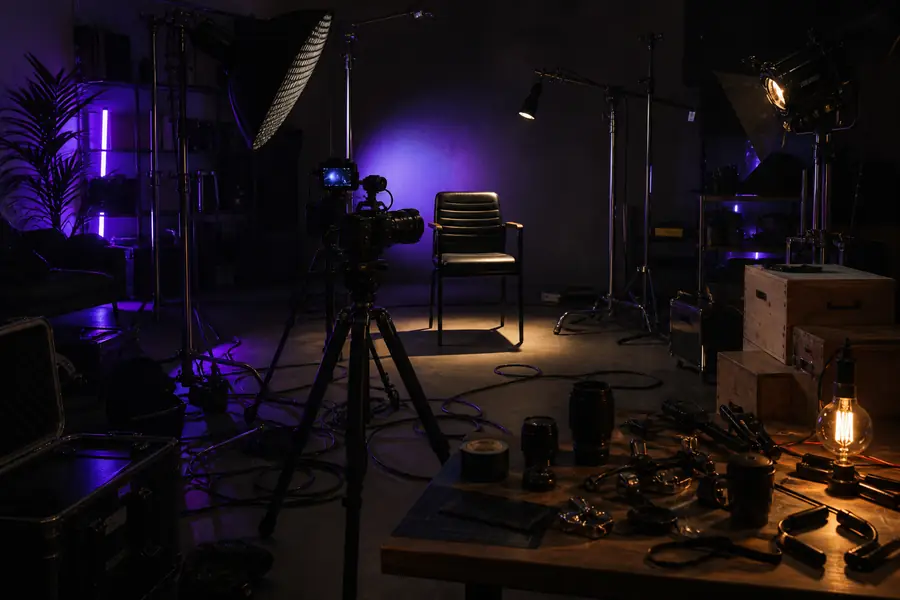
A cluttered home studio setup with a camera pointing at an empty chair
Before: the gear pile-up
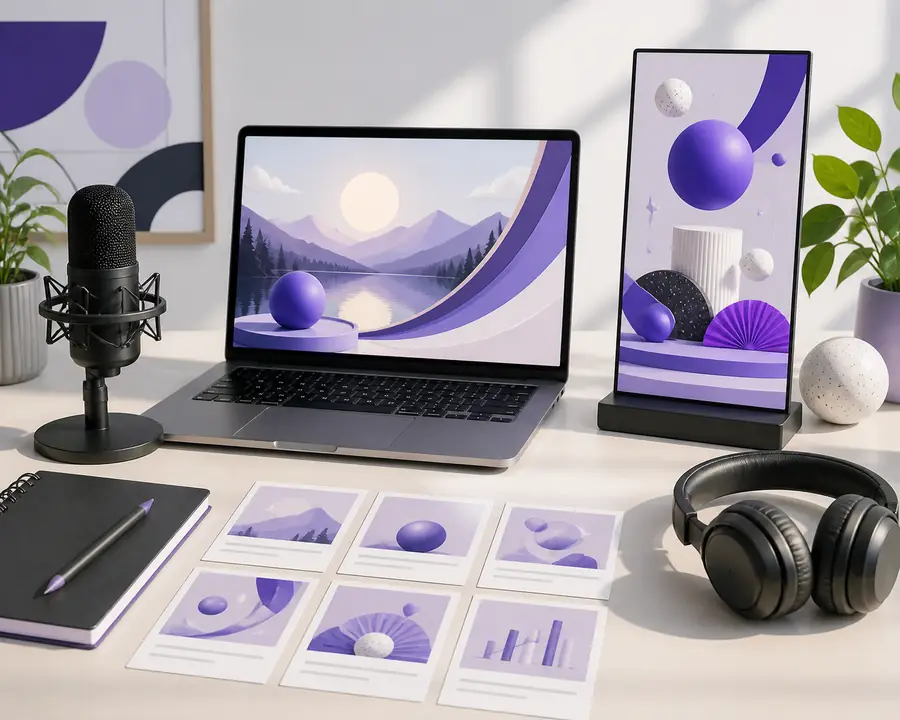
A clean laptop screen showing a generated video script with voice options
After: a clean script-to-video flow

The left is what many think video creation demands. The right is the entire setup Syllaby AI replaces — a laptop, an idea, and no camera.

What faceless creators actually save

4hsaved per video vs. manual production
90%less startup cost — no camera, lights, or studio
more content output at the same weekly effort
0appearances on camera, ever

Faceless mode vs. the standard output: a direct comparison

AttributeFaceless workflowStandard workflow
On-camera talentNone requiredNeeded for live sections
Voiceover sourceAI text-to-speechAI or human recording
Visual sourceStock footage onlyStock + uploads
Brand consistencyVoice & style templatesPartial — depends on uploads
Setup costZero — laptop + accountZero + optional mic/camera
Time to first videoUnder 30 minutesUnder 30 minutes
Personal connectionLow — content is the starHigh — face builds trust
Scale potentialVery high — no talent bottleneckLimited by recording time

Size your next video before you build it

Use this to estimate the time you'll save moving your faceless production to Syllaby AI. Drag the slider for your monthly video count.

24hsaved monthly vs. manual editing
4×more output at the same effort

Faceless video questions, answered

What exactly does "faceless" mean in Syllaby AI?+

It means the entire video is built from stock footage, AI-generated visuals, and a synthetic voiceover. No person appears on screen, and you never need to record yourself. The tool treats this as a standard output mode, not a workaround.

Can I make a faceless video with my own voice?+

Yes. You can upload a short voice sample and Syllaby AI creates a unique text-to-speech voice. Your narration then plays over stock footage, keeping your identity hidden but your voice present and consistent.

Is the b-roll automatically matched to my script?+

The tool scans your script for keywords and pulls relevant stock clips automatically. You retain full control — every scene can be swapped or replaced before rendering. The auto-matching is a starting point, not a final edit.

How does the faceless mode handle YouTube Shorts?+

You select 9:16 as the output ratio, and the script, visuals, and captions reflow to the vertical layout. The same faceless workflow — script, stock visuals, AI voice — applies with no extra steps.

What is the main limit of a faceless approach?+

Building a personal connection is harder when the audience never sees a face. The content has to be genuinely useful to hold attention. Many creators solve this with a distinctive voice style or a consistent visual theme that acts as their brand.