Hook detection
It reads your topic and writes three contrasting openings — question, bold claim and pattern-break — so you are never stuck choosing between two versions that sound the same.
Syllaby AI video script generator
The Syllaby AI video script generator writes hook-first scripts for faceless, talking-head and product videos — with on-screen text, b-roll cues and a pacing map you can edit in minutes, not evenings.
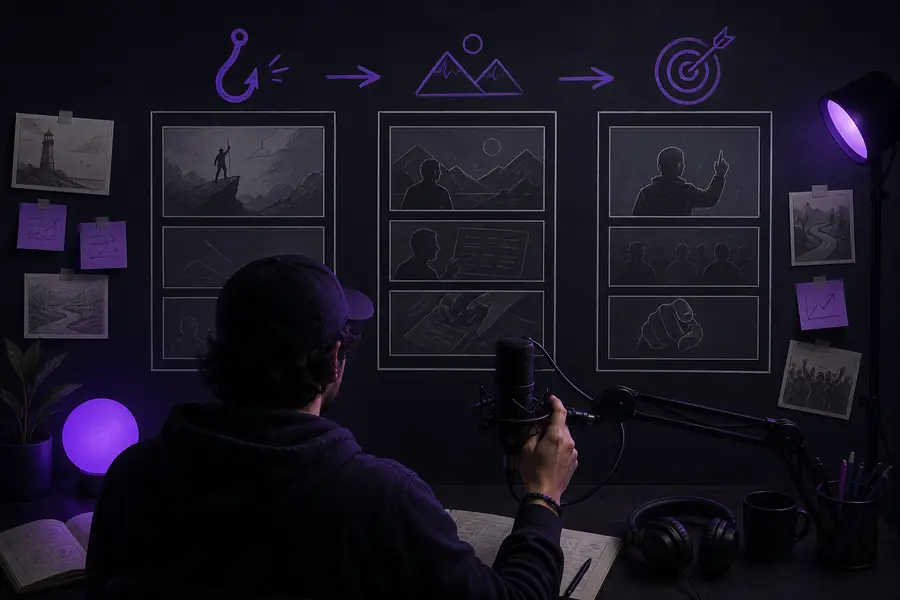
You bring a topic. The generator brings structure — a hook, a storyline, scene-by-scene b-roll suggestions and caption-ready text. In one pass you get something closer to a rough cut than a blank page.
One sentence, a keyword, or a headline you want to expand. No brief required.
Short-form, long-form, faceless or talking-head. The generator changes the pacing map to match.
You keep the best of three hook options, then adjust any line. The rest of the script stays in sync.
Copy the captions, b-roll list and run-of-show into CapCut, Premiere or DaVinci and start cutting.
Each script becomes a template for the next one, so the second video takes a third of the time.
It reads your topic and writes three contrasting openings — question, bold claim and pattern-break — so you are never stuck choosing between two versions that sound the same.
Every paragraph is timed to speech rate and tagged as setup, tension or payoff. The layout shows you where a viewer is likely to drop off before you record a single line.
Script lines are returned as short, keyword-dense caption chunks with b-roll cues attached — no second pass to split sentences into on-screen text.
You want daily uploads without showing your face. The generator writes scripts that pair cleanly with stock footage and AI voiceover, so the whole pipeline stays hands-free.
syllaby ai faceless →You manage three channels and need a steady stream of short clips. Start with a script, then hand it to the editor with captions and b-roll notes already attached.
syllaby all-in-one content creation tool →You have expertise but no writing time. Turn a lecture outline into a structured video script with a clear payoff, then reuse it for a podcast and a blog post.
syllaby long-form video →You are producing for clients with different voices. Save a client template once, then generate scripts that match its tone and on-screen text style every time.
content creation workflows →You have written ideas but no video experience. Paste a newsletter section and the generator reshapes it into spoken-word copy with hooks and CTA points.
what is syllaby ai used for →You want to test a niche before committing. Generate a 10-minute script outline, check the pacing map, and only record once the structure holds up.
long-form script templates →| Step | With Syllaby AI | Manual writing |
|---|---|---|
| Time to first draft | 5–10 minutes | 1–3 hours |
| Hook options | 3 generated per topic | You brainstorm one |
| Pacing awareness | Timed structure with payoff markers | Rarely estimated |
| On-screen text | Caption-ready blocks | Separate pass needed |
| B-roll cues | Scene-level suggestions | Often forgotten |
| Format switching | Short / long / faceless modes | Full rewrite |
| Tone control | Adjustable per project | Manual edit everywhere |
| Script consistency | Same structure across videos | Drifts over time |
Numbers, quotes and product claims in the script come from your topic input, not verified research. Read every stat out loud before publishing.
Fix: add your source links and let the generator rephrase them into the script.
Pacing is estimated from speech rate, not from how you actually pause, stress words or emote on camera. A script that reads fast may still feel slow in your voice.
Fix: record one take, then tighten the sections where you naturally slow down.
If your video needs a rigorous argument, nuanced caveats or a strong point of view, the first draft is a scaffold, not a finished essay.
Fix: bring your own thesis — the generator works best when you tell it the angle.
You can set tone, but a distinctive voice — the jokes only you would make, the examples only you have — is not something a prompt captures fully.
Fix: keep a one-page voice guide and edit the first five scripts by hand; the templates learn from them.
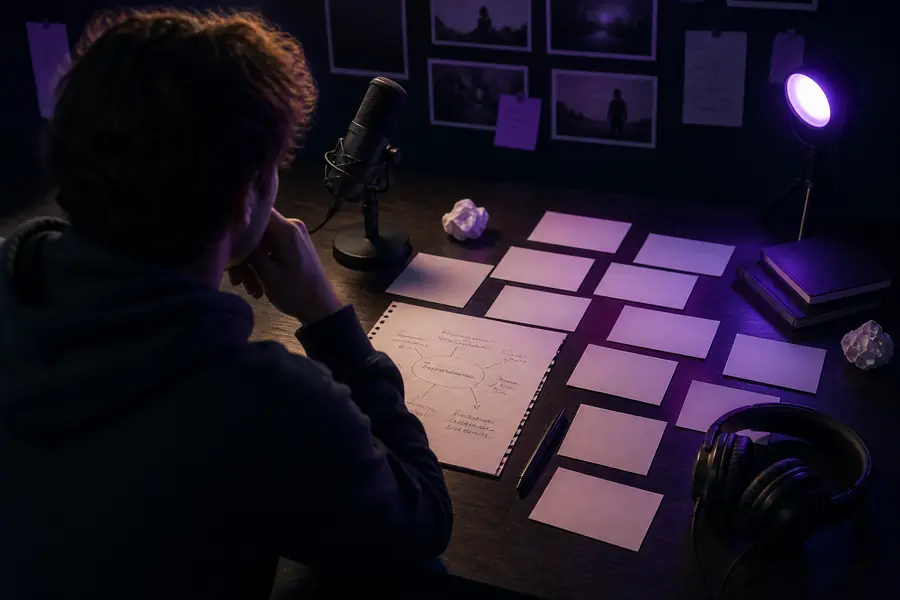
Same topic, same notes — one pass through the Syllaby AI video script generator adds the hook, the b-roll cues and the on-screen text that turn an outline into a recordable script.
Yes — the free mode lets you generate scripts for short videos with watermark-free text output on a limited number of projects per month. Paid plans raise the limits and add long-form scripts, team workspaces, and more voice and avatar options.
Most short-form scripts come back in under 30 seconds; a 10-minute long-form script takes one to two minutes. The time you save is bigger: no blank page, no rework, and captions are already split into blocks.
Yes — the faceless mode writes scripts that pair with stock footage and AI voiceover, and it adds scene-level b-roll suggestions, so the whole video can be assembled without a face on camera.
It has a dedicated long-form mode that keeps viewer retention in mind. You can also generate vertical, short-form clips that reference your long-form video, a workflow many creators use to repurpose one topic into a full content funnel.
Absolutely. Every section is editable: change the hook, reorder scenes, adjust timing, or ask the generator to rewrite a paragraph in a different tone. Your edits stay saved to the project.
Yes. Each scene returns a caption block, a b-roll suggestion and a timing estimate, so you can move from script to editing timeline without losing structure.