Syllaby All-in-One Content Creation Tool: Your Workflow Explained

You keep hearing that Syllaby AI does everything. This page separates what the all-in-one content creation tool claim, but only what it can, and probes the edge cases.

Tool comparison

Syllaby's All-in-One vs the General Video Generator

Syllaby AI is often framed as a single product, but the all-in-one content creation tool is a distinct entry point with a wider scope than the plain video generator.

Attribute General Syllaby AI All-in-One Content Tool
Primary outputVideo scripts and footageScripts + repurposed posts + calendar
Video script generatorIncludedIncluded, more controls
Content calendarNot coreBuilt-in, by platform
Repurposing existing videoManual processOne-click to clips, posts, threads
Cross-platform schedulingNot availableFrom a single dashboard
Target userSolo video creatorMulti-channel content team
Export optionsMP4 videoMP4 + text + image posts

Capability split

The Three Things Only the All-In-One Tool Does

If you already own a video generator, these three workflows are the reason to switch to the all-in-one content creation tool.

  1. Single Source Video Repurposing

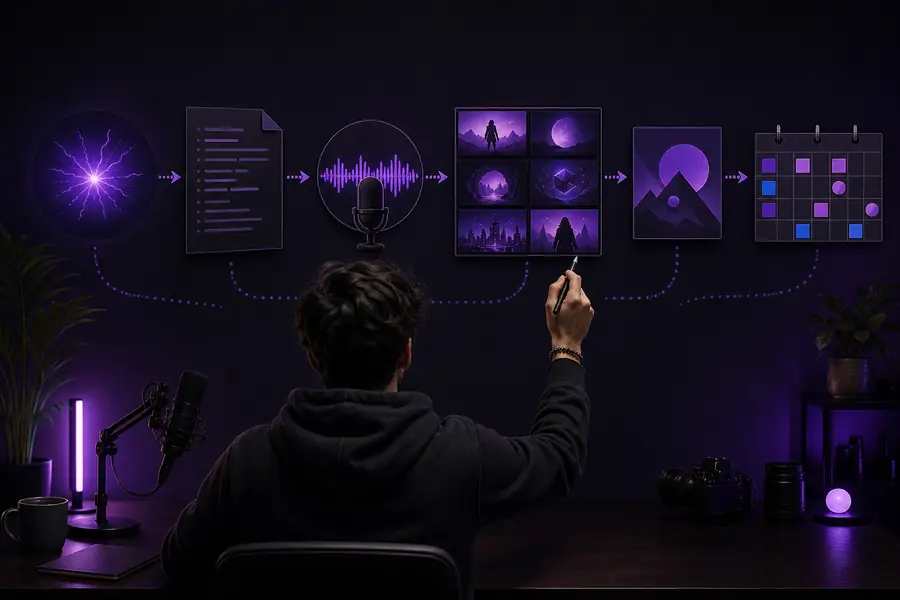
    Drop one long YouTube video in, and the tool splits it into shorts, LinkedIn posts, X threads, and a newsletter intro—each with a native voice and structure. No other Syllaby entry point takes one input and produces four formats.

  2. Platform-Aware Content Calendar

    The all-in-one tool builds a 30-day calendar that knows TikTok's 21–34 second sweet spot and LinkedIn's 1,900 character limit before you write a word. You approve, it schedules, and it tells you when your audience is actually online—per network.

  3. Brand Voice Persistence

    Where the standard generator treats every script as a fresh page, this tool keeps your tone, banned words, and signature phrases from the first script to the 50th. Teams use it to make four different writers sound like one.

Onboarding

How to Start With the All-In-One Content Creation Tool

The agency reseller

You manage eight client accounts and need to show monthly output, not effort. The calendar view is your report—each client board shows the full month of planned and published pieces in one screen.

Outcome: client renewals happen because the deliverable is visible, not promised.

The course creator

You have hours of recorded lessons that no one watches. The tool rebuilds each module into a content system that feeds your email list, social channels, and a private community simultaneously.

Outcome: the course stops being a PDF and becomes a daily conversation.

The local business owner

You run a bakery and your phone is your camera. The all-in-one tool turns a 30-second phone clip into a week of posts with captions, hashtags, and a weekly promo angle—no editor hired.

Outcome: consistent daily posting without a marketing department.

Start by connecting your longest existing video, not a new script. The repurposing workflow is the fastest win and shows the tool's range without asking you to write anything.

Visual proof

What the Workflow Actually Changes

Disorganized content workflow with scattered notes and separate apps
Before: one video, a note app, a scheduler, and lost ideas
Syllaby AI consolidated dashboard with calendar and repurposed posts
After: one upload, a full calendar, and repurposed posts ready

The same 20-minute video, two hours later. The left is the manual route—captions written, clips clipped, calendars synced. The right is the all-in-one tool's output, straight from the dashboard.

Honest caveats

What the All-In-One Content Creation Tool CanNOT Do

No original b-roll generation

The all-in-one tool repurposes what you give it. It does not generate new footage for topics you have not shot. If your video starts from nothing, the video generator entry point is the appropriate tool.

Workaround: pair it with the video generator to fill gaps, then repurpose the combined result.

No native publishing to every platform

While the calendar plans and reminds, direct API publishing is limited. You may still click "post" on YouTube or Pinterest from inside the tool, but LinkedIn and Instagram often require you to copy the prepared text over.

Workaround: use the calendar as your command center and the native apps as the delivery mechanism.

No full audio mixing

It suggests music, adds voiceovers, and balances levels, but it won't master a podcast or clean background noise beyond a basic filter. For broadcast-grade audio, bring your own editor.

Workaround: final audio polish happens in your DAW—allow one extra step per video.

No real-time collaboration

Multiple people can work in the same account, but there are no simultaneous cursors or per-section comment threads. Teams larger than three usually end up exporting scripts to a doc for approval.

Workaround: keep final approvals in your existing collaboration tool and treat Syllaby as the production engine.

FAQ

The All-In-One Content Creation Tool: Your Questions

Not exactly. Syllaby AI is the umbrella brand—the all-in-one content creation tool is a specific entry point that bundles video scripts, repurposing, and a calendar into one dashboard. The plain video generator is a narrower product under the same name.